


Installation
Test Rig:
Intel i7 860 LGA 1156 CPU
ASRock P55 Deluxe Intel P55 motherboard
Corsair Dominator DDR3-1600 4GB Low Voltage dual channel memory kit
Sapphire Radeon HD 5850 1GB video card
OCZ Z Series 650 Watt power supply
Cooler Master Hyper 212 Plus CPU cooler
Ikonik Zaria midtower
Windows Vista Ultimate 64-bit
As we see in the photo, the LGA 1156 CPU socket has been changed, the lever arm is a little more accessible, and the locking mechanism is totally different. The retainer seems not to put quite so much pressure on the CPU.
Observe the CPU itself and its opening for the socket’s “keys”. VERY CAREFULLY place the CPU in the socket, ensuring the keys are in the proper position. Close the retainer, and slide the lip under the locking lug in front of the socket. Gently push down on the lever arm and lock it in place. If moving the lever seems overly difficult, STOP!!! Raise the retainer, make sure the CPU is in proper position, and try again.
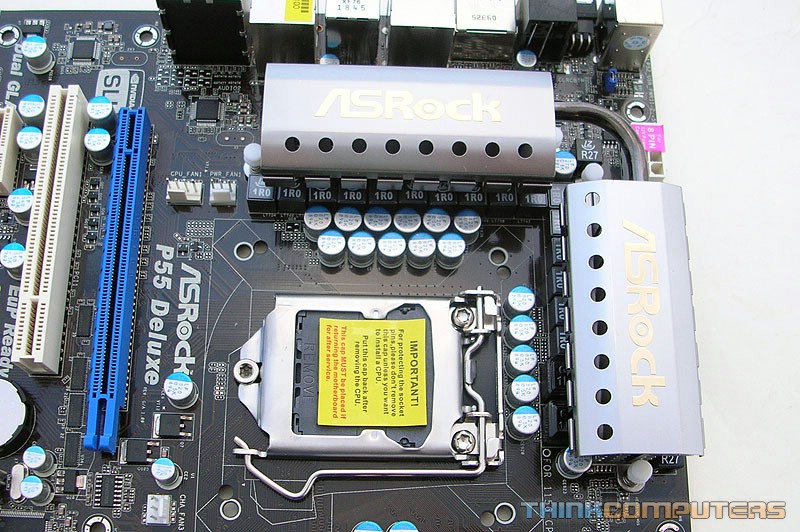
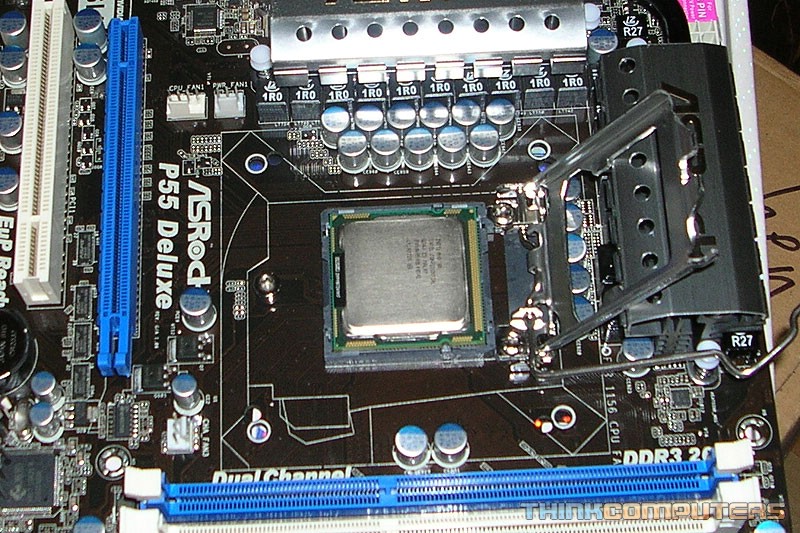
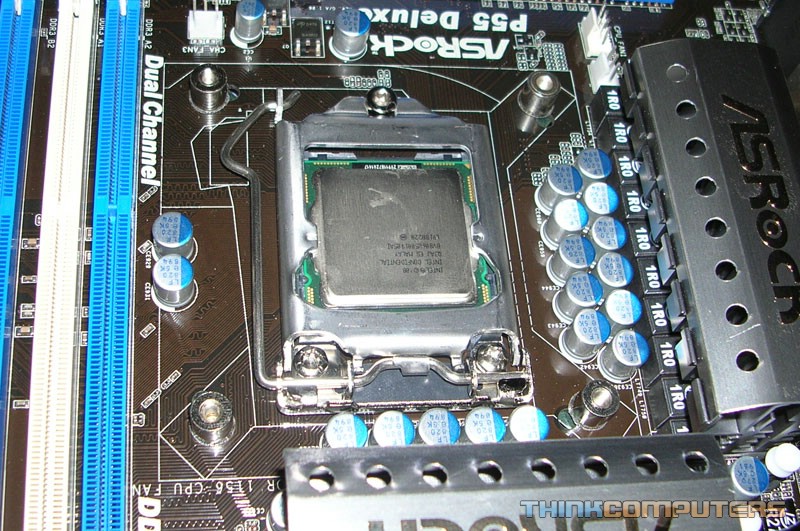
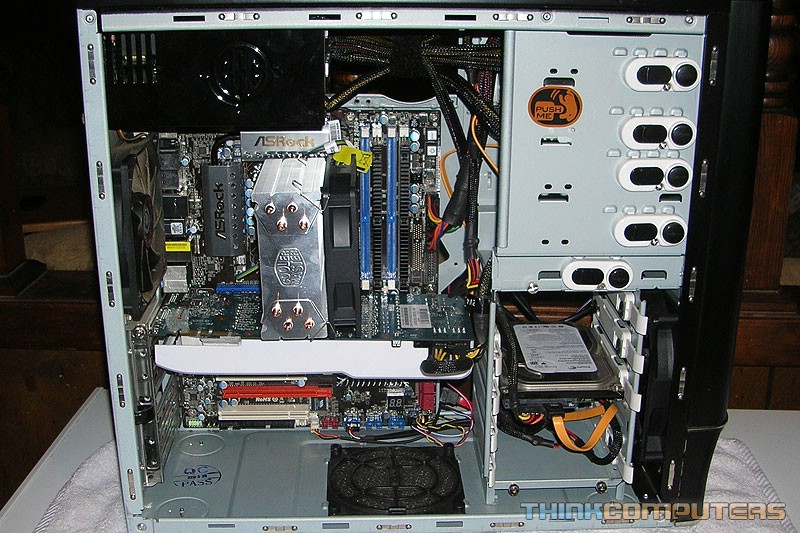
Clean the CPU surface and CPU cooler base with isopropyl alcohol and a lint free cloth. Apply thermal compound per the manufacturer’s instructions. If you are using a CPU cooler designed with the heatpipes directly touching the CPU surface, you need to spread the thermal compound with a credit card or similar thin flexible flat surface. Install the CPU cooler and build the computer as normal.
BIOS
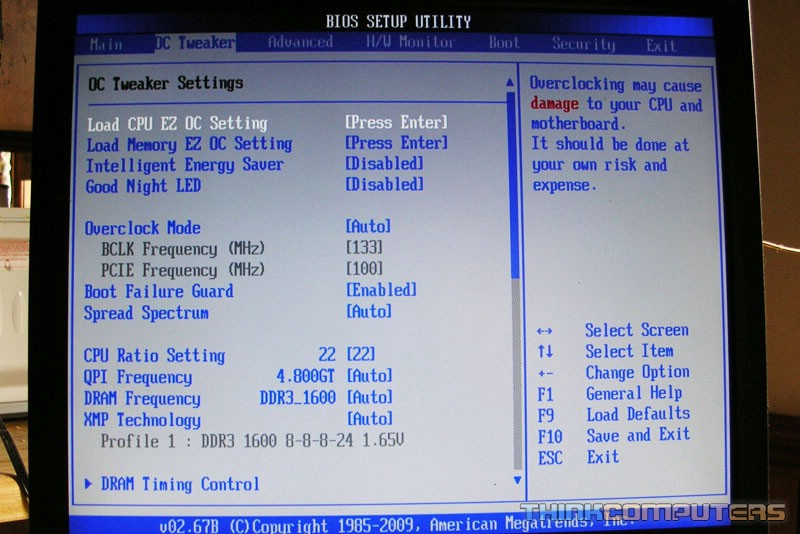
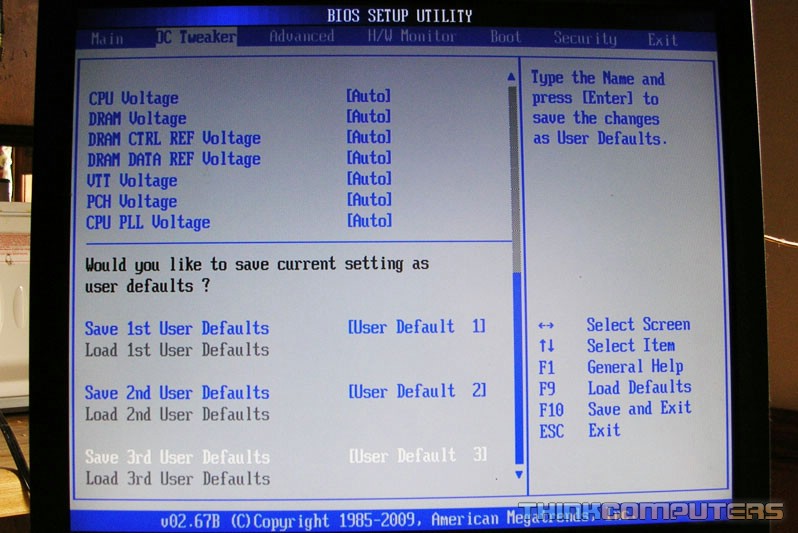
Of course, the BIOS of all motherboards are somewhat different, I want to point out some differences you will find in P55 motherboards as opposed to X58 and others.
Here we have the most basic of options…no Uncore or QPI settings as with the X58 which comprised several settings that really complicated overclocking. Though there is a QPI frequency setting on this board, that is actually for the DMI bus. Baseclock, multiplier, Vcore, and memory settings are all that are needed, though fancier motherboards will likely have more tweak options.
Very informative review. One thing I've noticed about this processor is the price. It's the same price as a 920.
The Intel Core i7 processor is the latest in cutting edge processor technology for the desktop PC. Get a major boost in PC throughput with the intelligent performance of the Intel Core i7 860 processor, which automatically allocates processing power where it's needed most. You'll move faster when creating HD video, composing digital music, editing photos, and playing the coolest PC games.
You should consider using more distinctly different colours in your bar charts. My eyesight is not great and I could not tell which bar was the 860 and which was the 920
You should consider using more distinctly different colours in your bar charts. My eyesight is not great and I could not tell which bar was the 860 and which was the 920