


The BIOS
Like many of the new motherboards from Gigabyte the Z77X-UD3H uses their 3D BIOS. This graphical BIOS makes it very easy for even the novice user to go in and change BIOS settings. We did a video overview of the 3D BIOS on the X79-UD3 motherboard, you can check that out below.
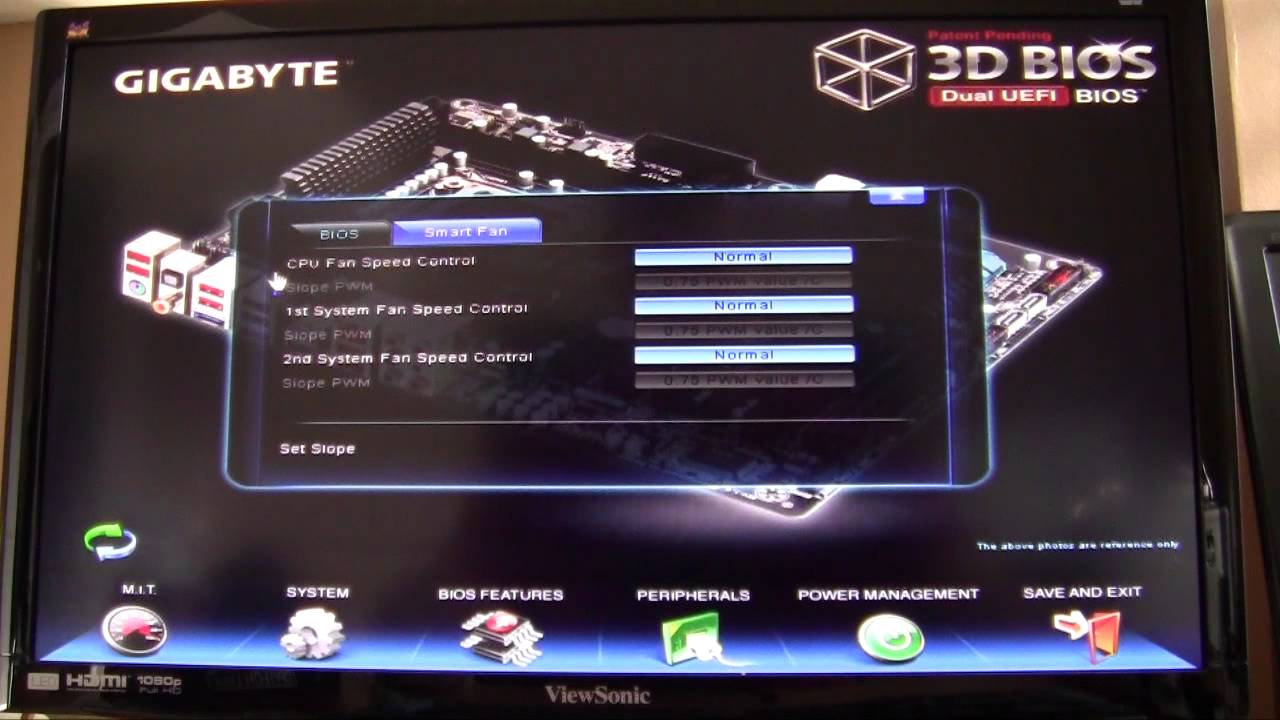
The 3D BIOS on the Z77X-UD3H is very similar, but has been polished just a bit. Definitely an improvement, but has the same features.

If you do not like the 3D BIOS you can still use the normal graphical BIOS by pressing F11 or one of the icons at the bottom of the 3D BIOS. It has all of the options you need in easy to access menus.


BF3 performance graph has to be the most misleading I’ve seen in a very long time.
lol, I agree, the difference is only 0.29FPS . . . but the difference in the bars is HUGE.
Very informative. Complete, precise, simple and consumer friendly..thanks very much Mr Buskirk.
Does anyone know what would happen if I tried to use three sticks of triple-channel memory in this board?
Would it run at double-channel speeds?
Single channel speeds?
Not work at all?
Thanks.