


Advanced Usage
One of the under-touted features of this unit is the presence of a microSD port inside the router. Once the microSD card is installed, one can use it as the download manager target or as FTP storage. It’s a great way to have hidden storage!


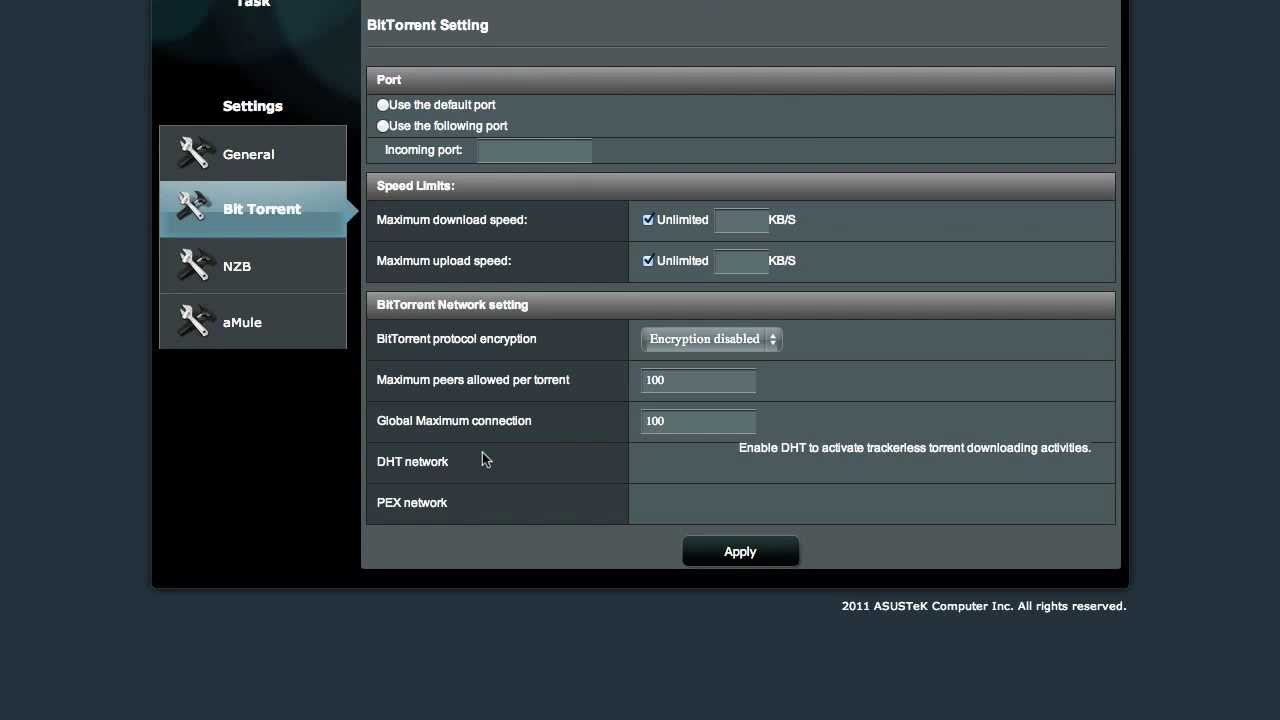
When installing the download manager to the microSD card, and perhaps also to a USB drive, a package called asusware is written to it. It appears to be a collection of UNIXy utilities, most notably ipkg. Assuming that it’s not an ASUS-specific configuration, it’s likely possible to install anything from Optware.
Don’t take our word for it, but installing the microSD does not appear to break the warranty. At least, I didn’t break through any warranty labels, like I’d expected.
If you’re interested in what chips are in the router, check out the ASUS RT-N66U article at WikiDevi. Notably, it has a 600 MHz Broadcom processor with a 32 MB Flash ROM and 256 MB of RAM. Both DD-WRT and TomatoUSB support the device.
I also really like its support for IPv6. I’m a proponent of IPv6 adoption and I think having a router with 6to4 support built-in is ideal in this transition period for the next few years. However, the online help for the feature is focused on ISP-provided IPv6 addressing and offers no advice on how to use 6to4 or 6in4 modes.
One other issue, which is unfortunate considering how good this router is:
All of ASUS’ routers with AiCloud (currently the RT-N66, RT-AC66, and RT-N65) take Port 443 to run this app. ASUS’ current configuration does not allow this to be changed.
If you are a hobbyist working with Windows Server (which may require 443 for certain remote access features or serving up secure websites), this places you in an awkward position, as these three routers are otherwise excellent units.